


Ask better questions
Use funnel data and customer journeys to turn an observation into a clear research question.
Curriculum modernisation · AUD
Four weeks at the American University in Dubai. From reading marketing data to building, testing and defending an analytics app with AI.

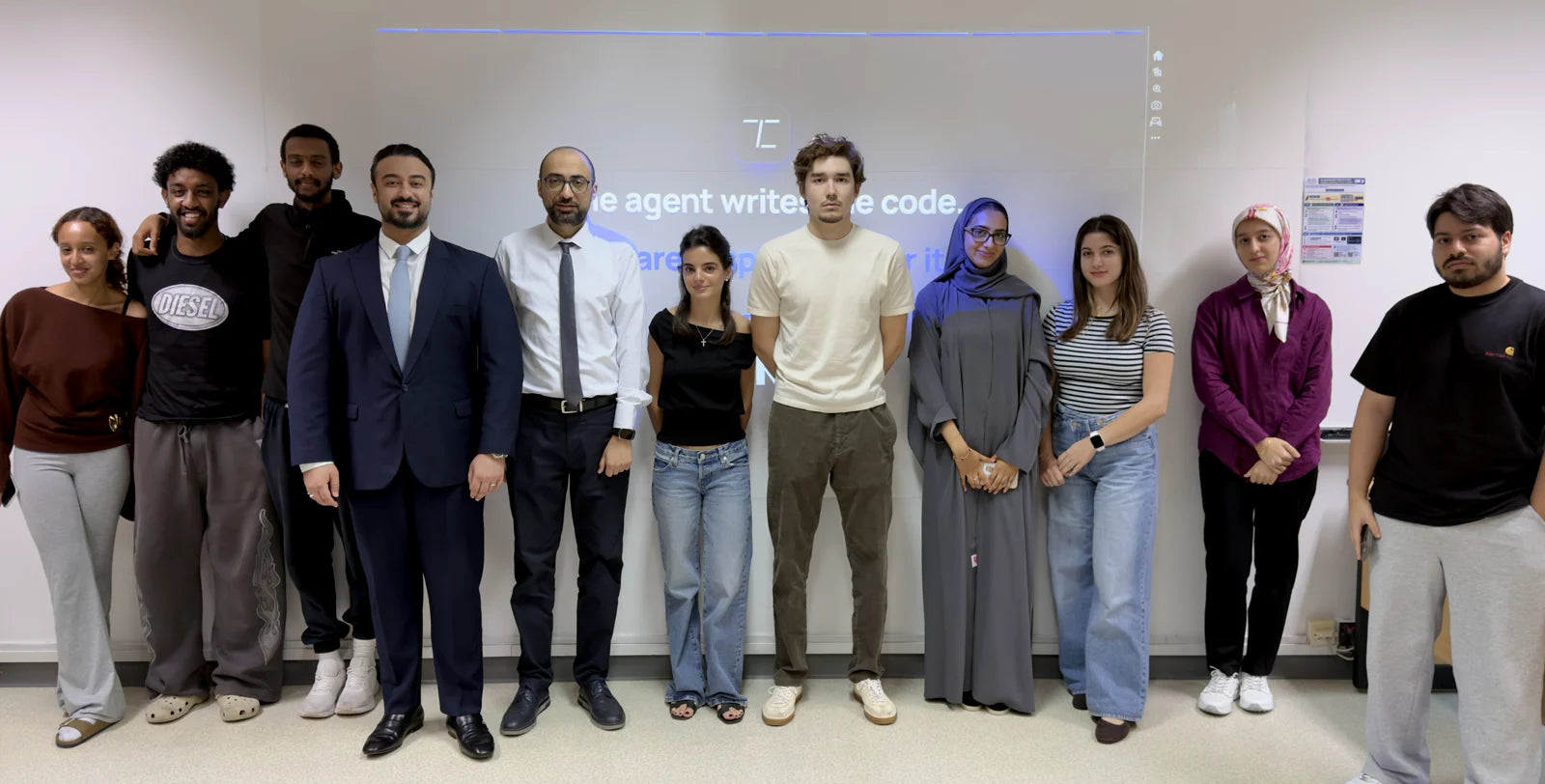
Trustline co-developed and taught Weeks 8–11 of MKTG 361 at the American University in Dubai’s School of Business. Working with the course faculty, we connected the existing learning outcomes to practical analytics tools and responsible use of AI.
Across seven sessions, students moved from exploring a funnel in Google Analytics 4 to specifying, building and checking their own analysis app. Each stage built on the last: ask a better question, choose a method, then defend the answer.
Use funnel data and customer journeys to turn an observation into a clear research question.
Design experiments, compare attribution models and work across GA4, SPSS and code.
Give an AI coding agent a precise brief, then run and explore the analytics app it creates.
Verify results independently, communicate the findings and take responsibility for the answer.
Week 8 · Measure and experiment
Students started with acquisition, engagement and conversion in Google Analytics 4: reading the funnel, choosing the right denominator and spotting where visitors drop off. A drop-off became a research question, then an A/B test with a hypothesis, control, metric and sample size.
The focus was on interpreting evidence carefully—understanding what a result can support before turning it into a recommendation.


Week 9 · Attribute and compare
Students followed a customer journey across channels and explored how different attribution models change who gets the credit for a conversion. They worked through the logic by hand and in GA4, connecting measurement choices to marketing decisions.
A comparison with SPSS and code brought the same research question into different tools. The aim was to understand the method, compare the results and recognise what makes an analysis repeatable.


Week 10 · Specify and build
Before using an AI coding agent, students wrote a one-page specification: the question, the data, the method, the expected output and the checks. That specification became the prompt for building a small Python analytics app.
They then ran the app, asked questions about the data and compared its numbers with their earlier SPSS work. The app computed the results; the students remained responsible for checking what those results meant.


Week 11 · Review and defend
The final session focused on reviewing AI-generated work: reading the code critically, checking calculations by hand and testing the assumptions behind an answer. Students examined common failure modes, from incorrect maths to unsupported conclusions.
They also practised explaining the same finding to different audiences, documenting the work and preparing a two-minute defence. A useful answer had to be accurate, understandable and supported by evidence.


Behind the teaching
The sessions ran on Trustline’s interactive presentation system. Lab timers, polls, show-of-hands counters and worked answers supported participation throughout each class.
A dedicated presenter view kept the teaching on track while students focused on the exercise in front of them.
From spec to app
The Session Analyser shows the kind of practical tool students built from their own specification: channel comparisons, conversion rates, data checks and a clear view of the underlying results.
Running the app was only the start. Students questioned its output and checked its calculations against their earlier analysis.

The principle throughout
AI can help build the tool. Understanding the method, checking the numbers and explaining the result remain part of the work.
The programme connected marketing research, analytical methods and AI-assisted development in one practical sequence. Students worked on funnel analysis, experiment design and attribution before turning their own specification into an app.
The final step was making the work explainable: checking a number independently, turning a finding into a useful recommendation and defending the analysis in two minutes. The datasets used for the classroom exercises were simulated.

Let’s build a programme around your students, your course and your learning outcomes.
Plan a programme